
Sumter County Warrant Searches
Start with the South Carolina Public Index at publicindex.sccourts.org when the goal is to locate a court case. Choose Sumter or the likely court agency, and search with a legal name or case number. A citation question may fit the state Traffic Ticket Search. Neither service is a complete live-warrant roster.
Have the notice, citation, case number, date, and likely court in front of you. A familiar name alone may match another case. If the index shows an event or an old status, ask the clerk whether it means a warrant is active now and which agency handles service. An attorney can help interpret a result and plan a response.
- Search the Public Index for a case and record its court agency and case number.
- For a ticket, try citation number, license number and state, or name with date of birth.
- Call the municipal or magistrate clerk that issued the case.
- Call Sheriff Warrant/Civil Process for county service routing; request a public record if a copy is needed.
- For a possible federal matter, use the federal court route and seek legal counsel.
Sumter Public Index Search Fields
The state index has case-search controls, not warrant-specific filters. Begin with the court and agency when known, then use a case number or name. The guide also lists action type, case type and subtype, party type, indictment number, filing-date range, and name-search options such as “Begins With” or “Contains.”
| Field | Type | Use | Limit |
|---|---|---|---|
| Last / First Name | Text | Find a party’s case | Try name forms carefully; similar names may match. |
| Court Agency | Selection | Narrow to a court | Lower courts may use their own record route. |
| Case Number | Text | Open a known file | Not every warrant has a public case result. |
| Action Type | Selection | Locate a docket event | An event is not live status confirmation. |
Use a few fields first. An overly narrow query can hide a case from view.
What a Warrant Search Asks For
The South Carolina Public Index does not offer a single Sumter warrant-search form. It asks for case and party details, while the Traffic Ticket Search offers citation, driver’s-license-plus-state, or first name, last name, and date of birth routes. The ticket search is for citation records, not a driving history.
| Field Label | Type | Required | Notes |
|---|---|---|---|
| Citation Number | Text | For citation lookup | Use the number printed on the ticket. |
| Driver’s License + State | Text and selection | For ticket lookup | Not a certified driving-record order. |
| First + Last Name | Text | With date of birth | All three name/DOB fields are documented. |
| Case Number | Text | For the Public Index | Use the case number if available. |
| Court Agency | Selection | For the Public Index | Search the likely issuing court. |
Sumter Sheriff Checks Start by Phone
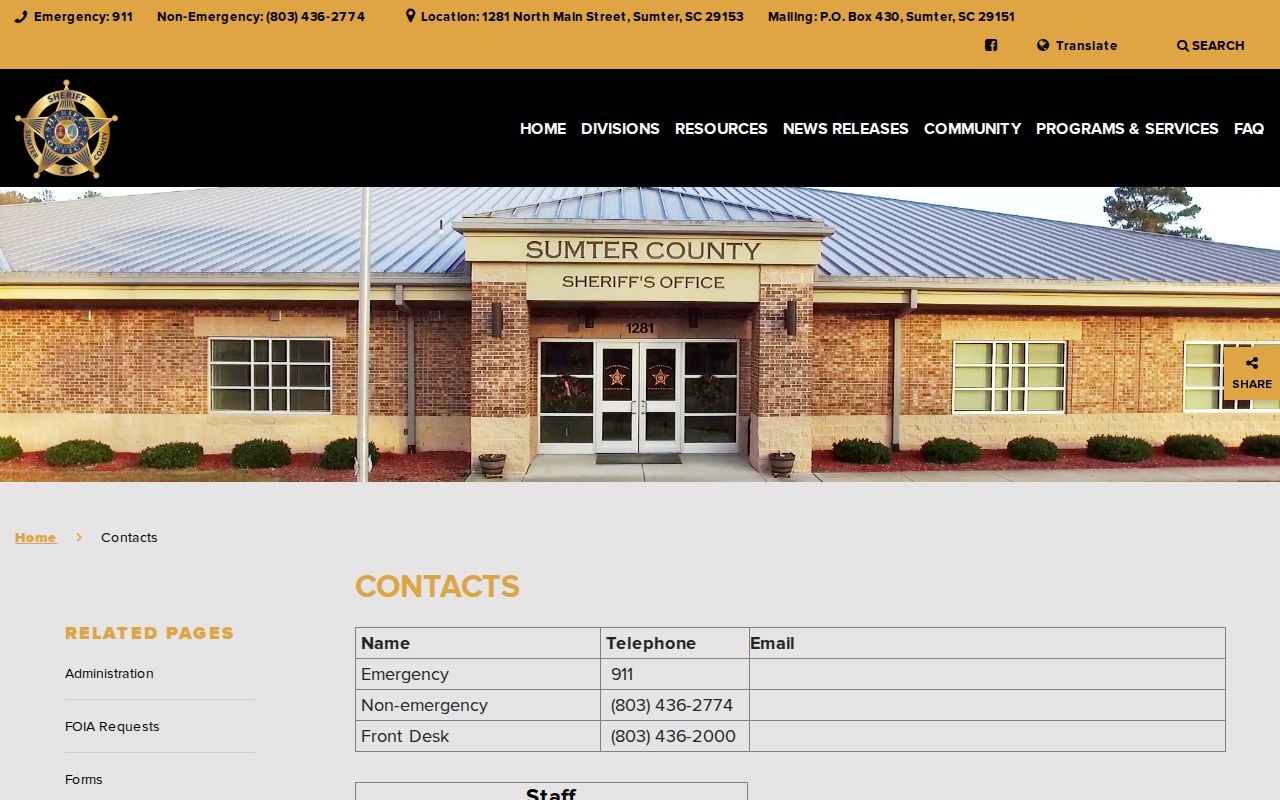
The Sheriff’s public site did not expose an active-warrant search when reviewed, and its linked warrant page returned an unavailable page. The current contacts page lists Warrant/Civil Process at (803) 436-2020. Ask whether the office can confirm county-held process, which court issued it, and whether a separate court call is needed.
The Sheriff also lists its front desk, Legal Division, and Detention Center separately. A service question, a copy request, and a bond or custody question can go to different staff. No walk-in status-check schedule or same-day confirmation promise was published.
The current Sheriff contact page is the verified route. The image records its warrant and civil-process contact block.
Call before visiting and ask what identifying details the office needs.
Sumter County Warrant Search Results
A Public Index match returns case-level details such as party name, party type, case number, filing date, case status, disposition date, type, subtype, judgment number, and court agency. It is not the Sheriff’s warrant file. The warrant form itself has separate fields, including charge, issuing court, date, judge’s signature, and service return.
| Case Number | Identifies the case in the index; no Sumter warrant-number format was published. |
|---|---|
| Case Status | Read with the docket and confirm any live process with the court. |
| Court Agency | Points toward the office to ask about the file. |
| Disposition Date | May describe a case event, not the current service status. |
| Bond | Ask the court; no countywide bond schedule was located. |
Sumter County Has Separate Court Channels
For General Sessions felony files, use the Clerk of Court and the court index. For a county misdemeanor, preliminary hearing, or bond matter, contact Magistrate Court. A City of Sumter ordinance or traffic matter belongs with Sumter Municipal Court and its Police Warrant Division. Mayesville and Pinewood have their own municipal clerks.
The county directory puts Sumter Magistrate Court at 115 North Harvin Street and Bond Court at 190 East Canal Street. Their published office number is the same, but the offices do not answer every case question interchangeably. Read the court agency on the result, then verify the counter and address before a visit.
For the courthouse directory, see the Judicial Branch Sumter listing. Its office map helps distinguish the Clerk, Magistrate, Bond, Family, and municipal entries.
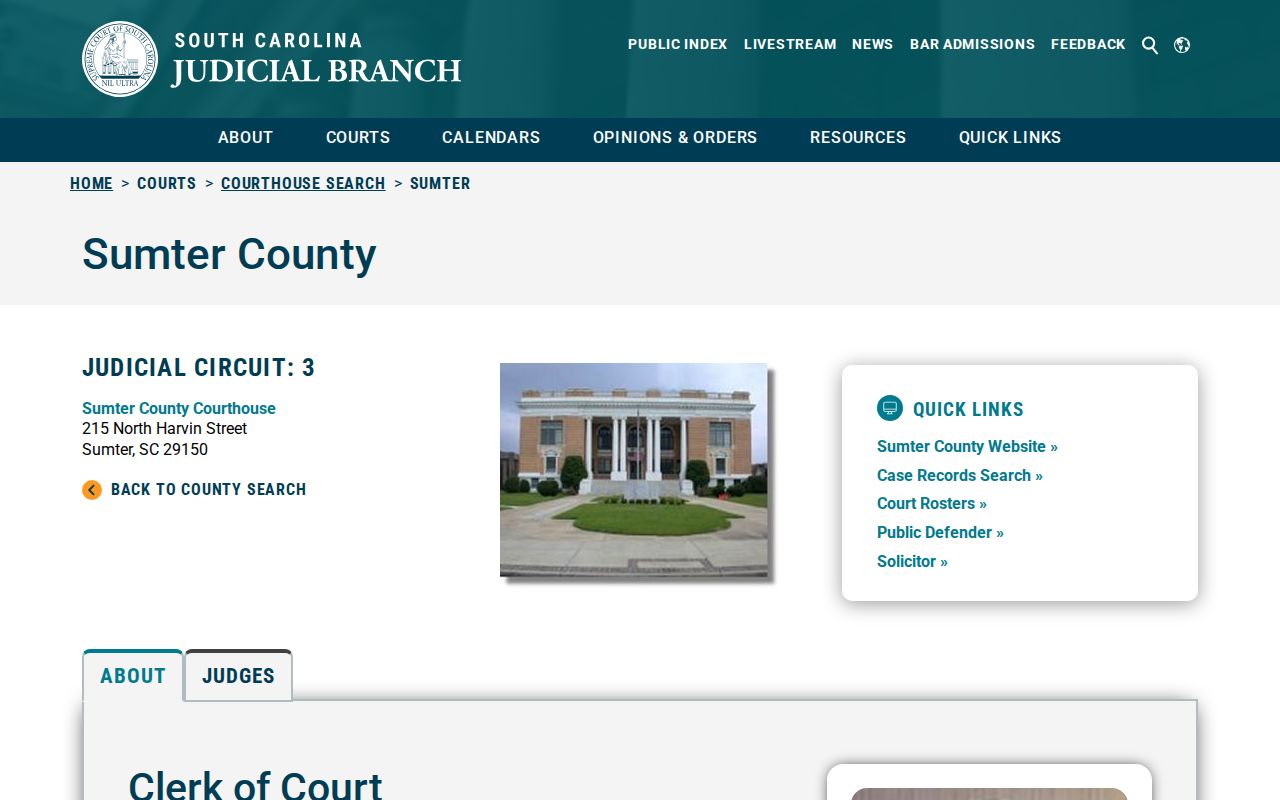
The directory is a routing aid; the issuing office confirms what action is available.
Sumter County Warrants: Who Holds What
The state has no public all-county warrant portal. Use the Public Index for case location, the Traffic Ticket Search for citation lookup, the Sheriff line for county service routing, and the specific court or police warrant desk for local process. SLED CATCH is a $25 name-based criminal-history search plus its online convenience fee, and SLED says it excludes Wanted Persons.
A federal case is a different route. The U.S. District Court for South Carolina and PACER can help locate public federal docket material, but sealed warrants may not appear. A county search cannot clear a state, federal, or out-of-county record.
Federal Warrant Questions Stay Federal
When a concern involves federal court, use the U.S. District Court for South Carolina and its official docket service, PACER. Public docket access may help identify a case, but sealed warrants, affidavits, or grand-jury material may remain hidden. No Sumter County database can confirm those records.
The federal courthouse and docket images show these separate public access routes.
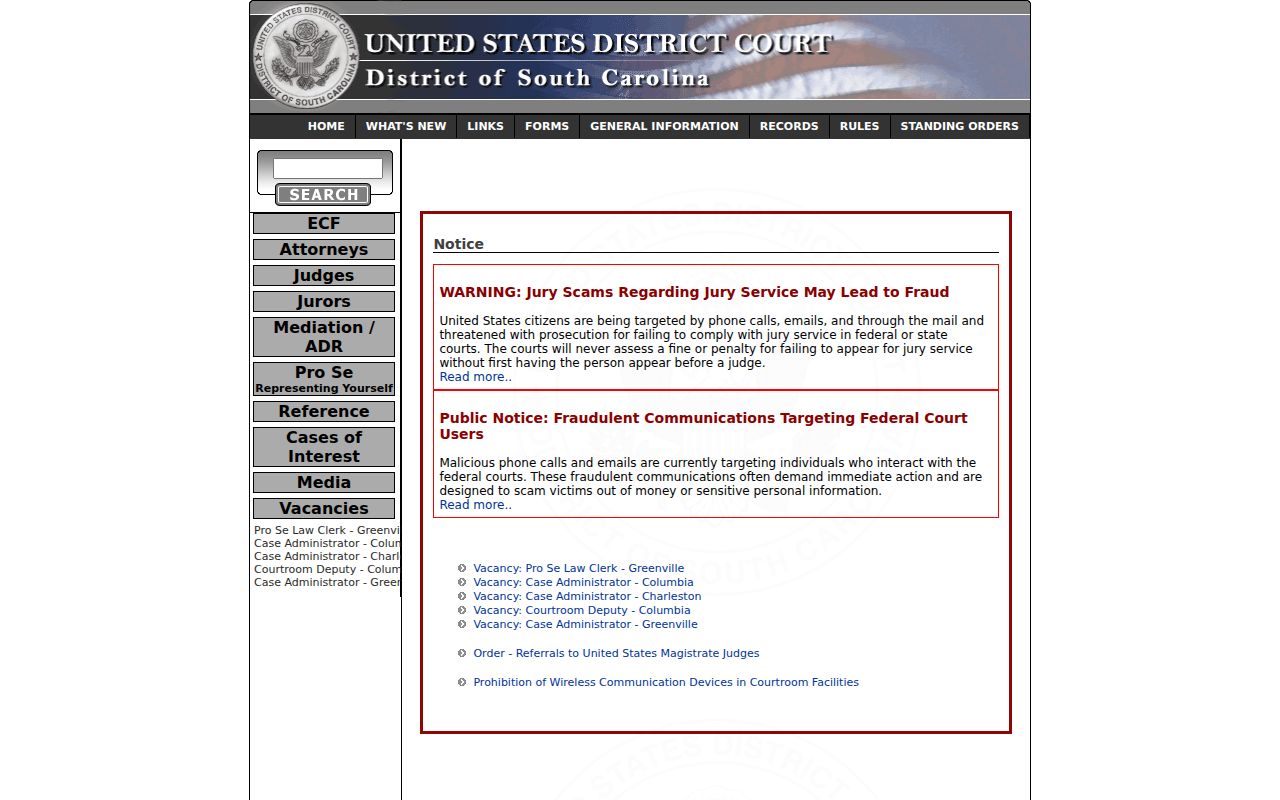
For a public filing search, open the official court docket route and review its access terms.
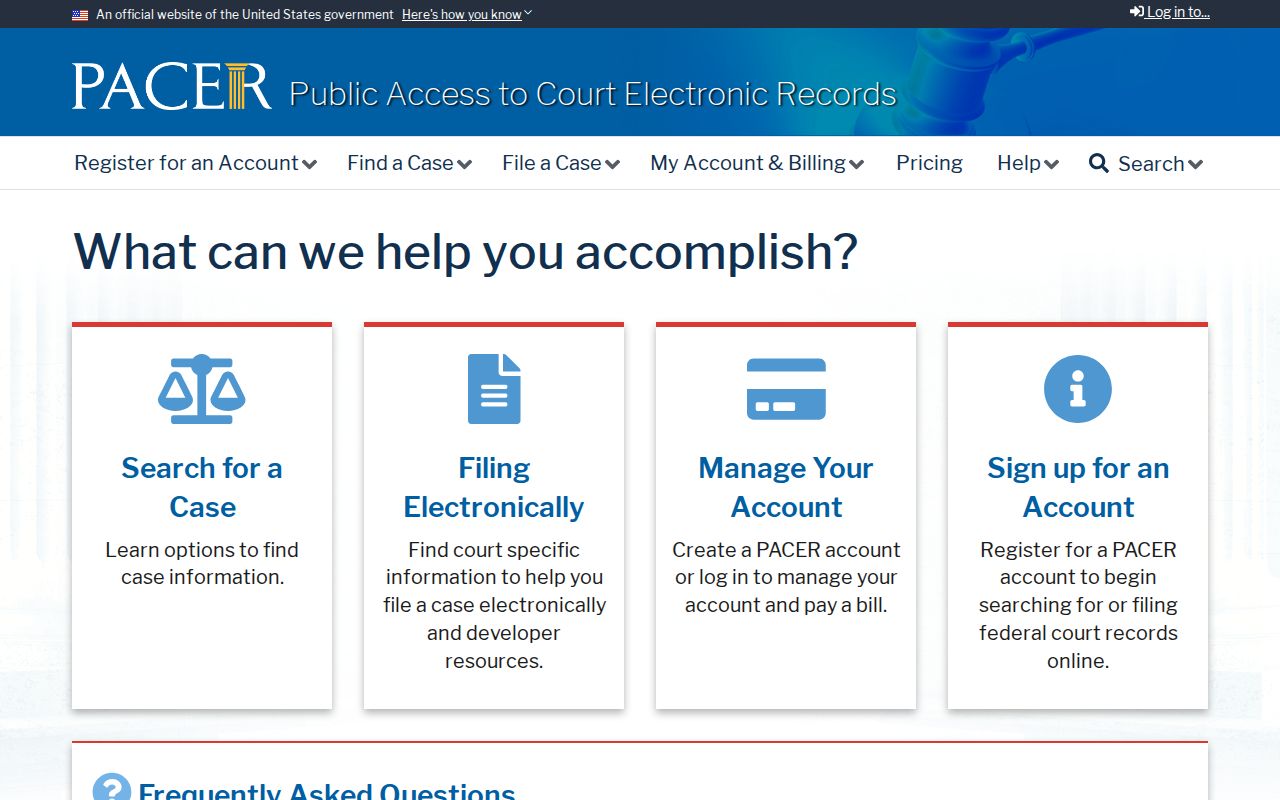
A blank or missing public result does not establish that no sealed federal process exists.
Which Warrants Stay Restricted
South Carolina FOIA permits public access to records subject to exemptions. An agency may withhold or redact material when release could interfere with law enforcement, reveal protected sources or methods, affect a fair trial, or endanger someone. Juvenile and sealed or expunged records have added limits. A broad active-warrant list is not guaranteed to be public.
Key Rules:
S.C. Code § 17-1-40 keeps certain sealed and expunged arrest records from ordinary public inspection.
Title 63, Chapter 19 limits public access to juvenile court and identifying law-enforcement records.
A missing Public Index or Sheriff result is not proof that a warrant does not exist; ask the issuing court.
Sumter FOIA Requests Need Narrow Terms
If an identifiable Sheriff-held record is not posted, use the Sheriff’s public-record request form as a routing aid or send a written request to the Public Information Office or Legal Division. Name the record type, likely court or agency, and date range. A status question, service record, and copy request are different asks.
South Carolina law calls for a determination within 10 business days for records less than 24 months old and within 20 business days for older records. Production follows the statutory schedule after a determination. Reasonable actual costs may apply, and a deposit may be requested. FOIA is not an urgent warrant-clearance process.
The South Carolina FOIA statute controls deadlines and exemptions. Ask for an estimate before a costly search and keep the response for your records.
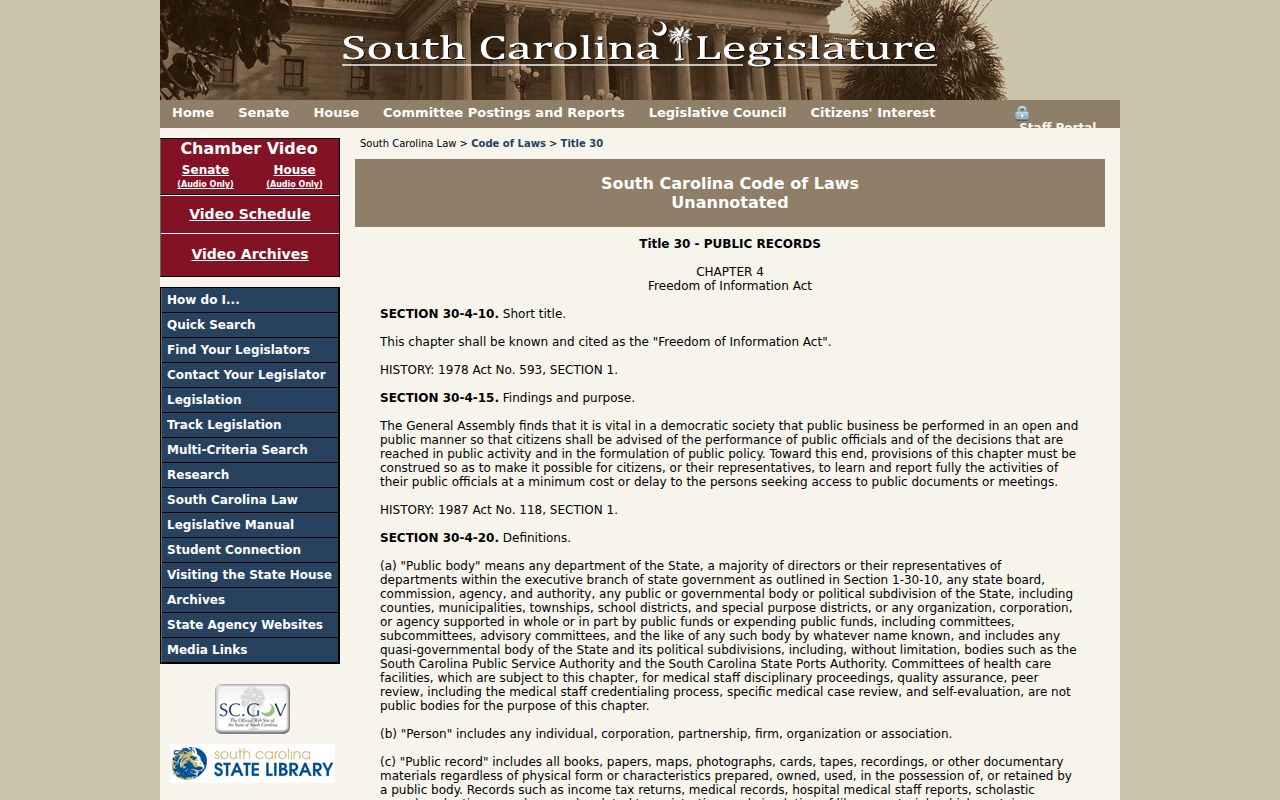
The official state code is the starting point for understanding those access rules. This image shows the South Carolina FOIA chapter referenced above.
Use the statute to shape a narrow request, then ask the record custodian whether exemptions or costs apply to the particular file.